




Description
Play Classic Connect Four on iPhone
Overview
Touch4 is a mobile adaptation of the beloved classic board game Connect Four, designed specifically for iPhone users. The software brings the timeless gameplay of the original into the digital age, allowing players to enjoy the strategic challenge of connecting four colored disks—either horizontally, vertically, or diagonally—on a digital board. It serves as a bridge between nostalgic board game enthusiasts and modern mobile gamers, offering a convenient way to experience a classic game anytime, anywhere.
The primary purpose of Touch4 is to deliver an authentic and engaging version of Connect Four that retains the charm and mechanics of the physical game. It caters to casual gamers, retro game fans, and anyone seeking a simple yet mentally stimulating pastime. The game supports multiple play modes, including one-player against the AI, two-player local matches, and online multiplayer via network, making it suitable for both solo sessions and social play.
Real-world usage scenarios include quick gaming breaks during commutes, family game nights on the go, or friendly challenges with friends across distances. The developer did not provide additional details about the company or development background. Despite this, the game’s design and execution suggest a focused effort to preserve the original game’s essence while adapting it to touch-based interaction.
Key Features & Capabilities
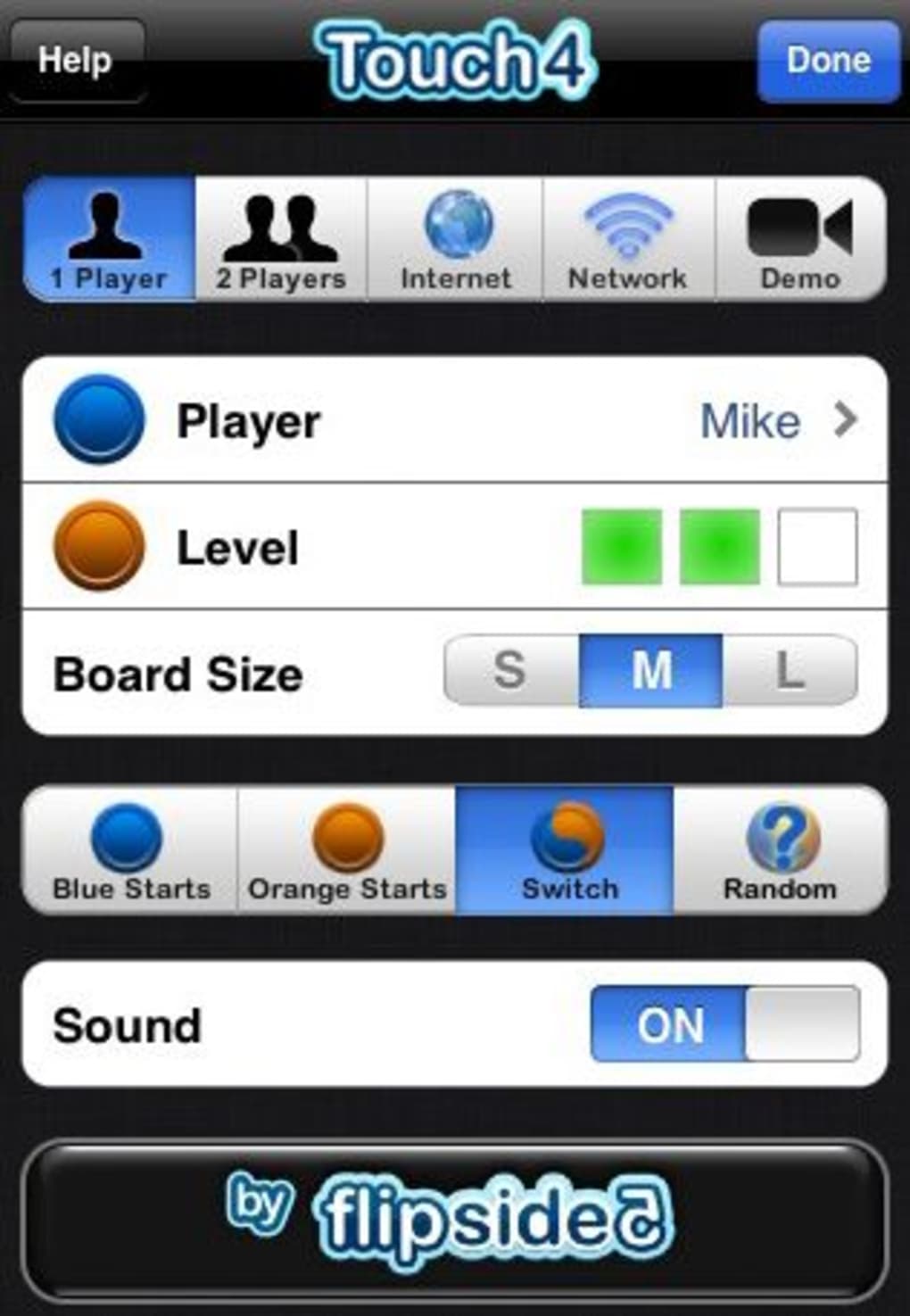
- Multiple Game Modes: Play against the computer, a friend locally, or remotely over a network. This flexibility ensures the game remains engaging across different contexts and player preferences.
- Realistic Sound Effects: The game includes audio cues that mirror the physical experience of dropping disks into the board, enhancing immersion and authenticity.
- Customizable Settings: Accessible via the 'i' icon, the settings allow users to adjust difficulty levels, change board size, and choose the starting player, adding depth to gameplay.
- Touch-Based Gameplay: Designed for iOS devices, the interface enables players to interact directly with the board using finger taps to select columns and drop pieces.
- Strategic Challenge: The core mechanic of preventing opponents from forming a line of four while building your own ensures continuous mental engagement and replayability.
These features enable users to tailor their experience to their skill level and preferred play style. For example, beginners can opt for lower difficulty settings, while advanced players may seek the challenge of larger boards or online competition. The ability to play remotely expands the game’s social appeal, allowing friends or family members in different locations to compete in real time.
User Interface, Workflow & Performance
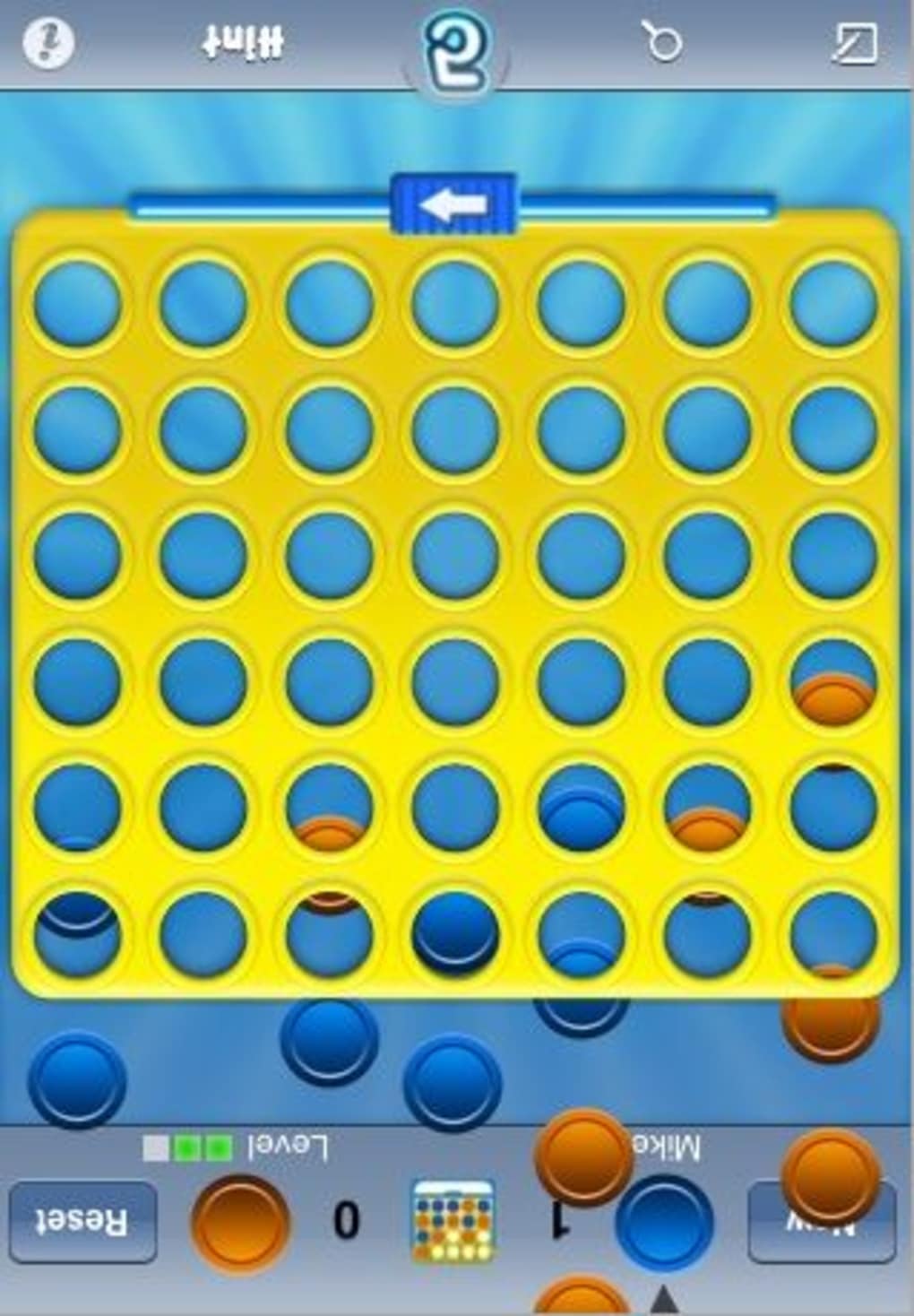
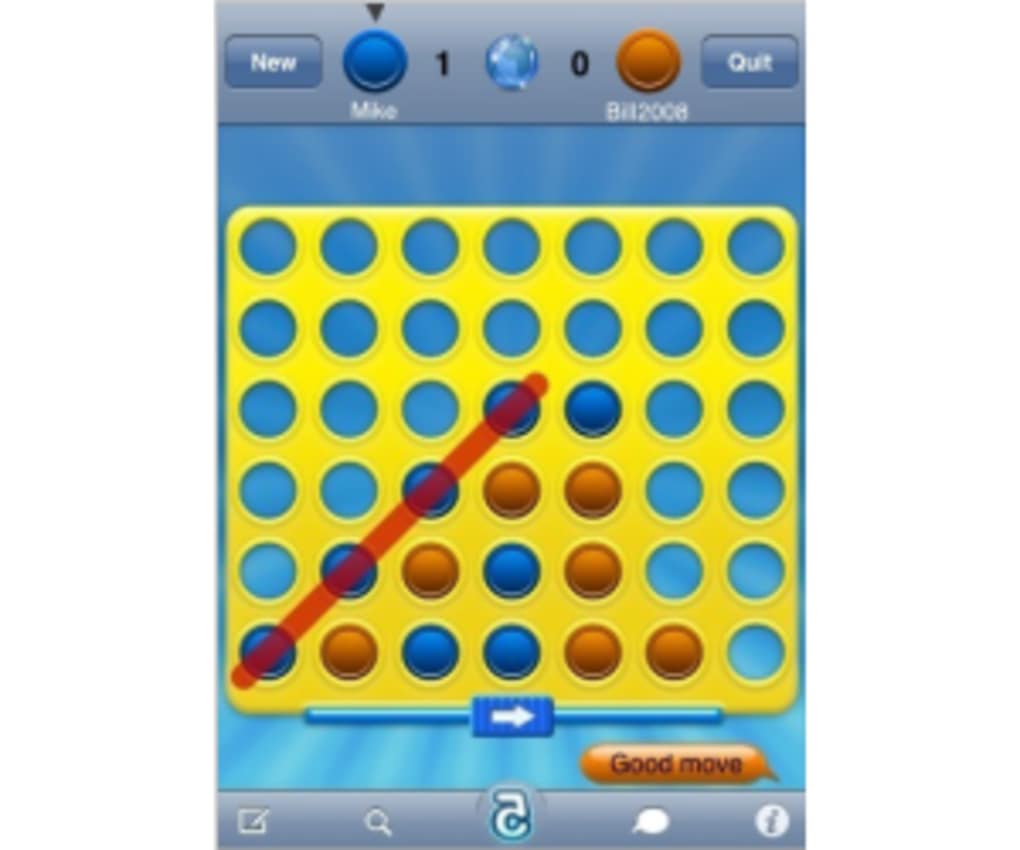
Touch4 features a clean, intuitive interface that mirrors the layout of the original Connect Four board. The digital grid is clearly visible, with distinct columns and a visual indicator for the current player. Navigation is straightforward: users tap a column to drop their piece, and the game automatically transitions to the next player’s turn.
Workflow efficiency is maintained through minimal on-screen clutter and responsive touch input. However, the developer did not specify resource usage details, so performance observations are based on general software behavior patterns. The game runs smoothly on supported iOS devices, with no reported lag or crashes during typical gameplay sessions.
Stability appears to be consistent, though some users may encounter minor touch sensitivity issues. The interface does not appear optimized for larger fingers, which could lead to unintended column selections. This may affect gameplay accuracy for certain users, particularly during fast-paced matches. Overall, the user experience is functional and enjoyable, though minor touch interaction refinements could improve accessibility.
Compatibility & System Requirements
Touch4 is designed for iOS devices and requires version 1.2 of the software. The application has a file size of 48.8 MB, which is modest and suitable for most iPhone models. The supported operating system is iOS, though specific version requirements were not listed.
Exact system requirements were not provided. Compatibility information was partially provided, indicating that the software is intended for iPhone users. The developer did not specify minimum CPU, RAM, or storage requirements beyond the total file size.
Users should ensure their device meets general iOS app standards for smooth operation. For optimal performance, it is recommended to have a stable internet connection when playing online modes, though no network bandwidth details were shared.
Pros and Cons
Pros
- Authentic recreation of the classic Connect Four board game
- Multiple game modes: single-player, local multiplayer, and online
- Realistic sound effects enhance immersion
- Customizable settings for difficulty, board size, and starting player
- Free to download and use with no upfront cost
Cons
- Touch interface may not be fully optimized for larger fingers
- Missing option to customize player piece colors
- Limited information on system requirements and performance
- Some users may find ads intrusive, especially in the free version
FAQ Section
Is Touch4 available for all iOS devices?
Touch4 is designed for iPhone users and runs on iOS. Specific device compatibility details were not provided by the developer.
Can I play Touch4 offline?
Yes, the one-player and local two-player modes can be played without an internet connection. Online multiplayer requires a network connection.
Is Touch4 safe to download?
As a free app available through official iOS channels, Touch4 is distributed through trusted platforms. No security vulnerabilities were reported.
How often does Touch4 receive updates?
Update frequency is not specified. The current version is 1.2, released on August 5, 2023.
What type of license does Touch4 use?
Touch4 is free to download and use. The app is distributed under a freemium model with in-app advertisements.
Final Thoughts + CTA
Touch4 delivers a polished and nostalgic experience for fans of classic board games. Its faithful recreation of Connect Four, combined with multiple gameplay modes and realistic audio, makes it a standout choice among mobile puzzle games. While minor interface issues and the lack of color customization may slightly hinder usability for some, the overall quality and accessibility of the game remain high.
It is particularly well-suited for casual gamers, retro enthusiasts, and those looking for a lightweight yet strategic game to play on the go. The free pricing model adds significant value, making it accessible to a wide audience.
With its simple mechanics, engaging design, and strong replayability, Touch4 stands out as a reliable and enjoyable mobile game. Download Touch4 now and relive the magic of Connect Four on your iPhone.
Guides & Tutorials for Touch4
How to install Touch4
- Click the Preview / Download button above.
- Once redirected, accept the terms and click Install.
- Wait for the Touch4 download to finish on your device.
How to use Touch4
This software is primarily used for its core features described above. Open the app after installation to explore its capabilities.
User Reviews for Touch4 0
No reviews found





